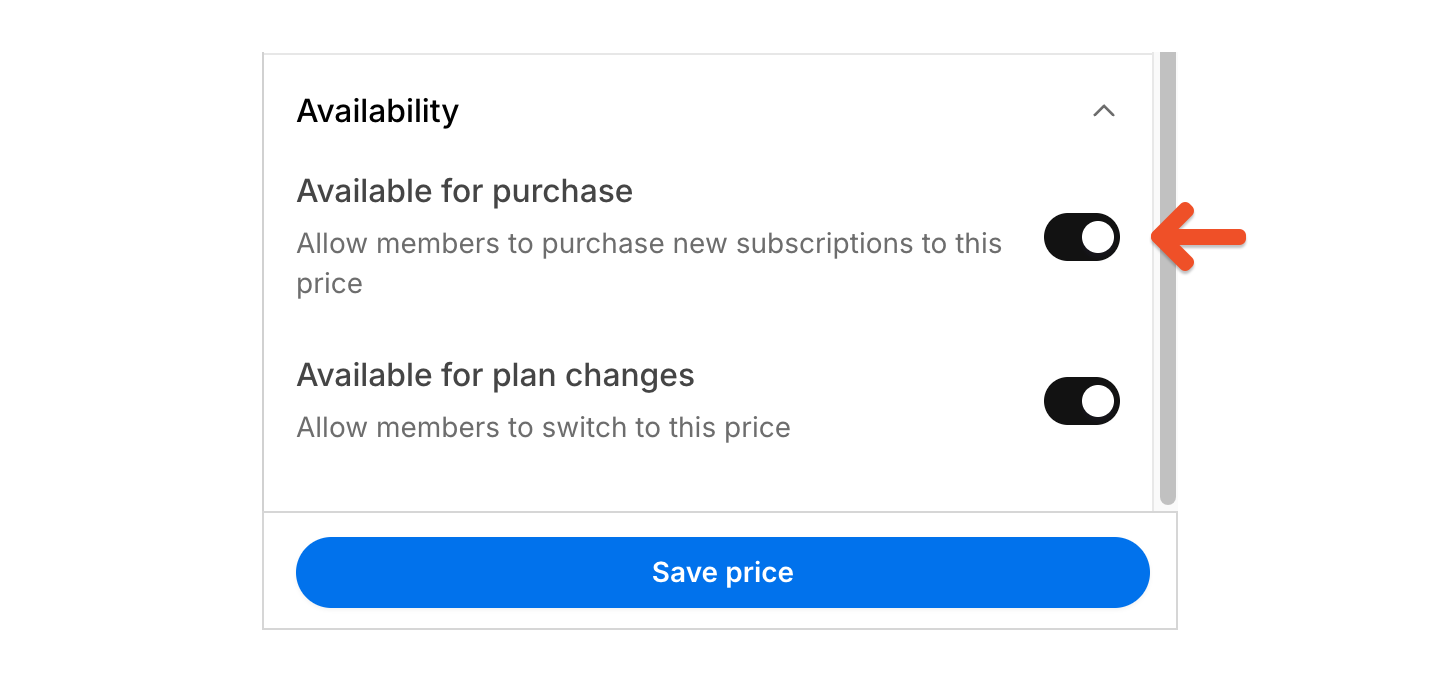
Before you begin
Memberful only moves active subscriptions from the selected source price to the destination price. Members are not notified when they are moved between prices unless you have an automation set up outside of Memberful. If the move changes billing, renewal timing, or access, consider notifying affected members before you continue.Move members to another price
1
Open the source plan
Go to Revenue → Plans, then select the plan that includes the price you want to move members from.
2
Start the bulk move
Click the ••• menu next to the source price, then select Move subscribers.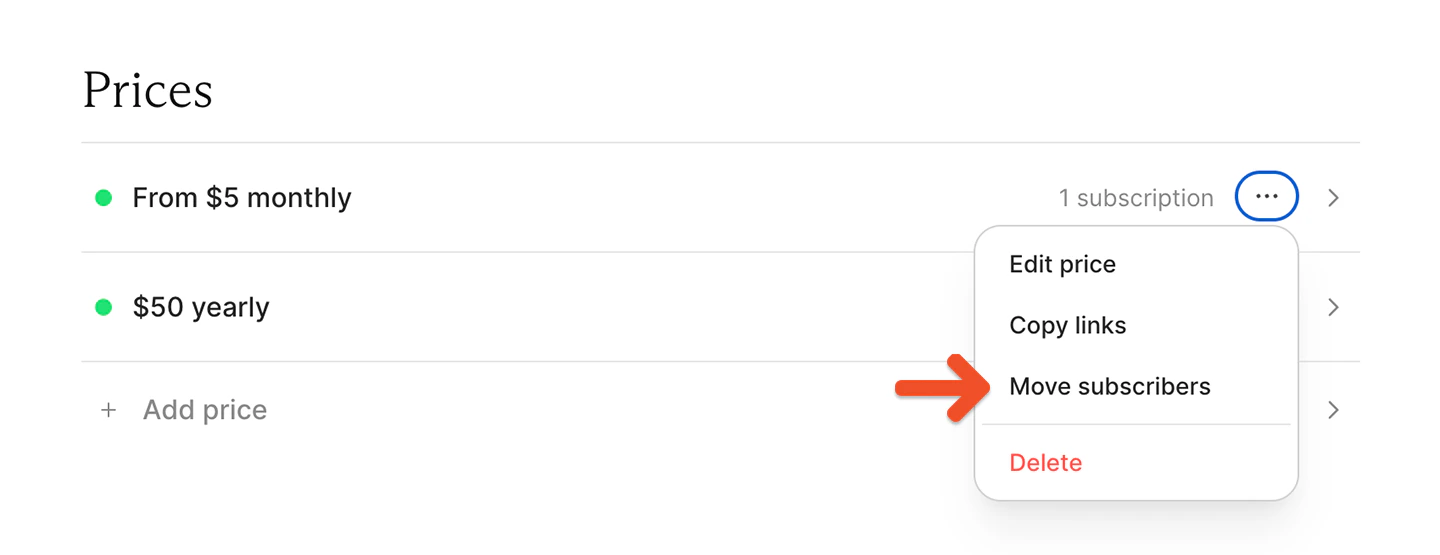
3
Choose the destination plan
Choose the plan you want to move members to.
4
Choose the move type
Choose Move subscribers to move active members to another price on the selected plan.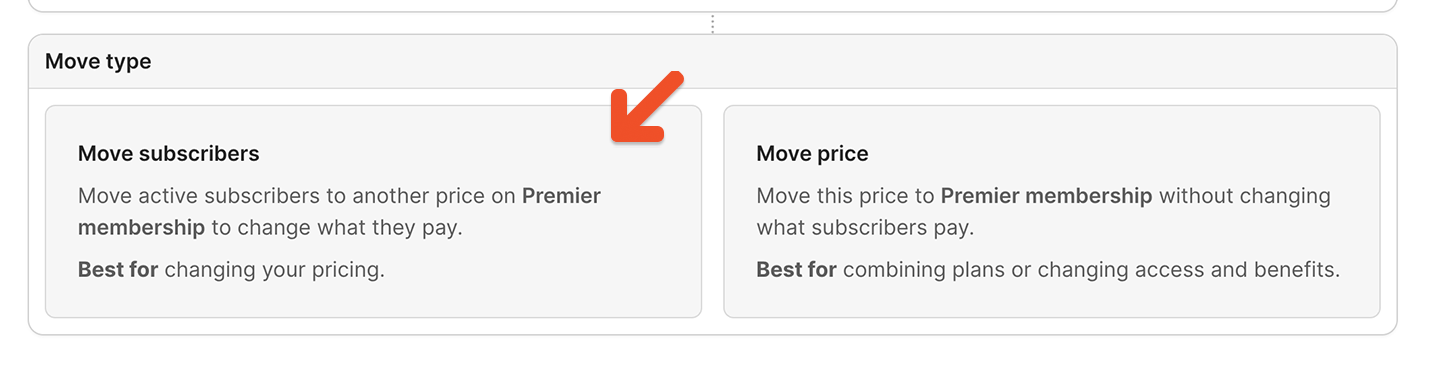
5
Choose the destination price
Choose the price you want to move members to.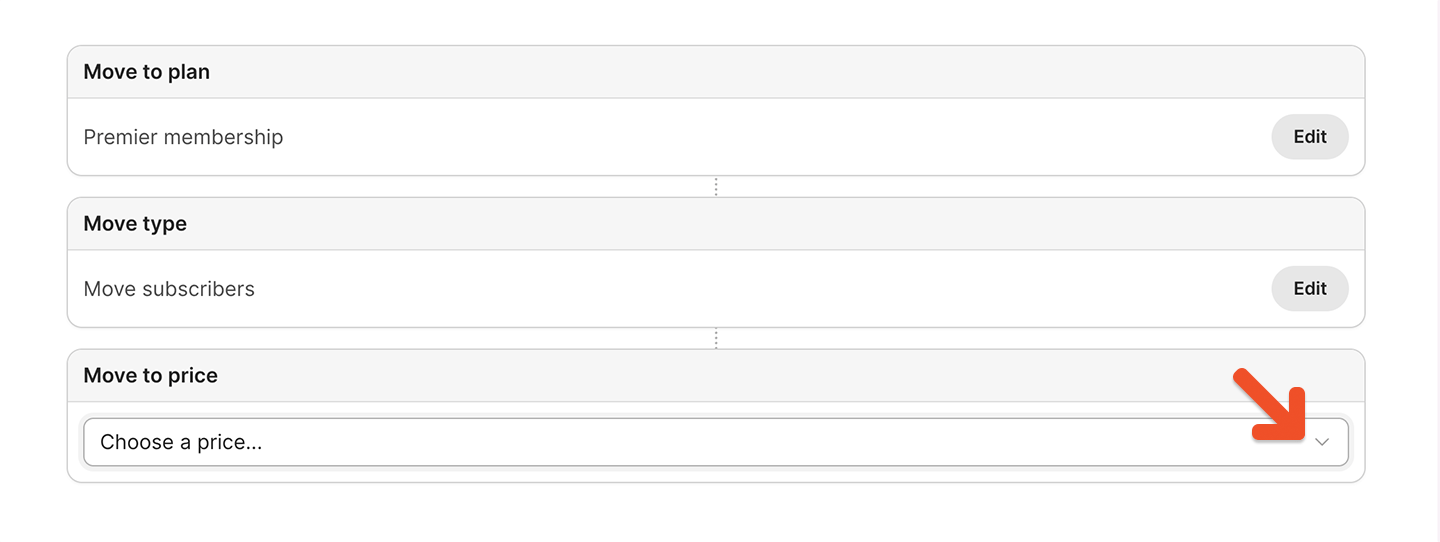
6
Review the move
Review the destination and any blockers or warnings that appear. Memberful only shows sections that apply to the selected move.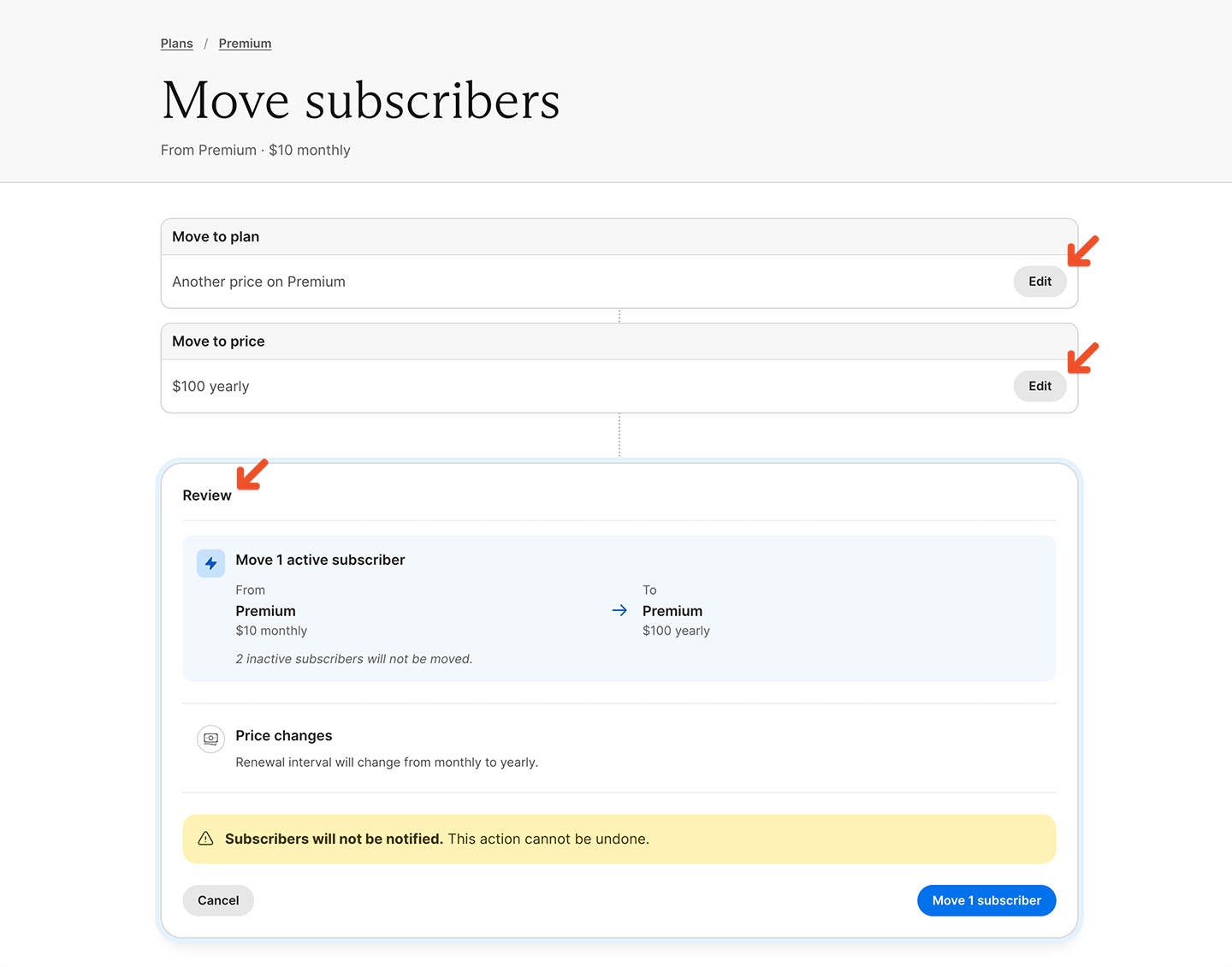
7
Confirm the move
Click the Move [number] subscriber(s) button.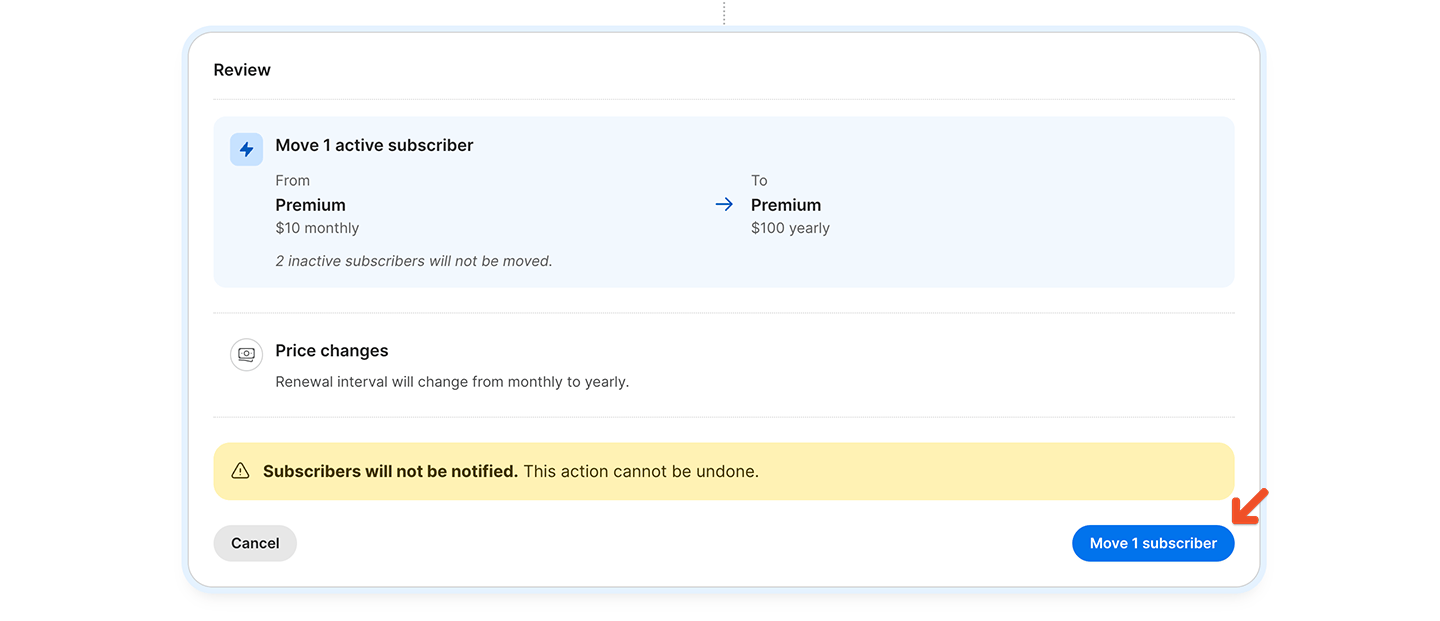
Fix blockers
Blockers prevent the move from continuing. If a blocker appears, update the source or destination plan before trying again. A move may be blocked when the destination group plan cannot accommodate all members in the group. For example, a move is blocked if the group’s member count exceeds the destination plan’s seat maximum.Review warnings and consequences
Warnings explain how the move affects billing, renewals, access, integrations, taxes, and future plan changes. Memberful only shows warnings that apply to the selected move.Billing and renewals
Depending on the source and destination prices, Memberful may warn that:- moved subscriptions will never renew
- moved subscriptions will renew on a specific date
- the renewal interval will change
- custom prices will be preserved or replaced
- fixed-payment behavior will change
- If the destination price allows members to choose what they pay, members paying a custom price keep paying it as long as it is at or above the destination price.
- If the destination price does not allow members to choose what they pay, custom prices are replaced with the destination price on the next renewal.
- Moving between fixed-payment prices preserves each subscription’s remaining payments.
- Moving from a fixed-payment price to a recurring price removes the fixed-payment limit, so moved subscriptions keep renewing indefinitely.
- Moving from a recurring price to a fixed-payment price sets the number of remaining payments based on the destination price.
Taxes
If tax collection changes because of the destination plan or price, Memberful shows that change under billing and renewal warnings. Depending on the move, Memberful may warn that:- tax will be charged on future orders
- tax will no longer be charged on future orders
- the tax category will change on future orders
Access and integrations
For cross-plan moves, Memberful may warn that members will gain or lose access to:- downloads
- podcasts
- posts
- Discord roles
- Discourse groups
- Mailchimp tags or interests
- WordPress access
Plan changes
Plan-change warnings explain how the move affects which plans members can switch to later. If the destination plan allows switching to fewer plans than the source plan, Memberful shows which plan change options members will lose after the move. Scheduled plan changes are preserved when the destination plan still allows switching to the scheduled plan and price. If a scheduled plan change points to a plan or price that is no longer available after the move, Memberful cancels that scheduled change and shows the number of scheduled changes that will be cancelled.Disable the old plan
If you don’t want new members to purchase the old price, make it unavailable for purchase or delete it.