> ## Documentation Index
> Fetch the complete documentation index at: https://memberful.com/docs/llms.txt
> Use this file to discover all available pages before exploring further.
# Update your personal information
> Update your personal information as a Memberful account owner or staff member, including name, email, avatar, and password in the Memberful dashboard.
export const RelatedDocs = ({link1, link2, link3, link4, link5, link6, link7, link8, link9, link10, className = ""}) => {
const links = [link1, link2, link3, link4, link5, link6, link7, link8, link9, link10].filter(Boolean);
if (!links.length) return null;
return ;
};
In this help article, we'll explore how to update your personal information and add an avatar to your admin account.
## Update your personal information
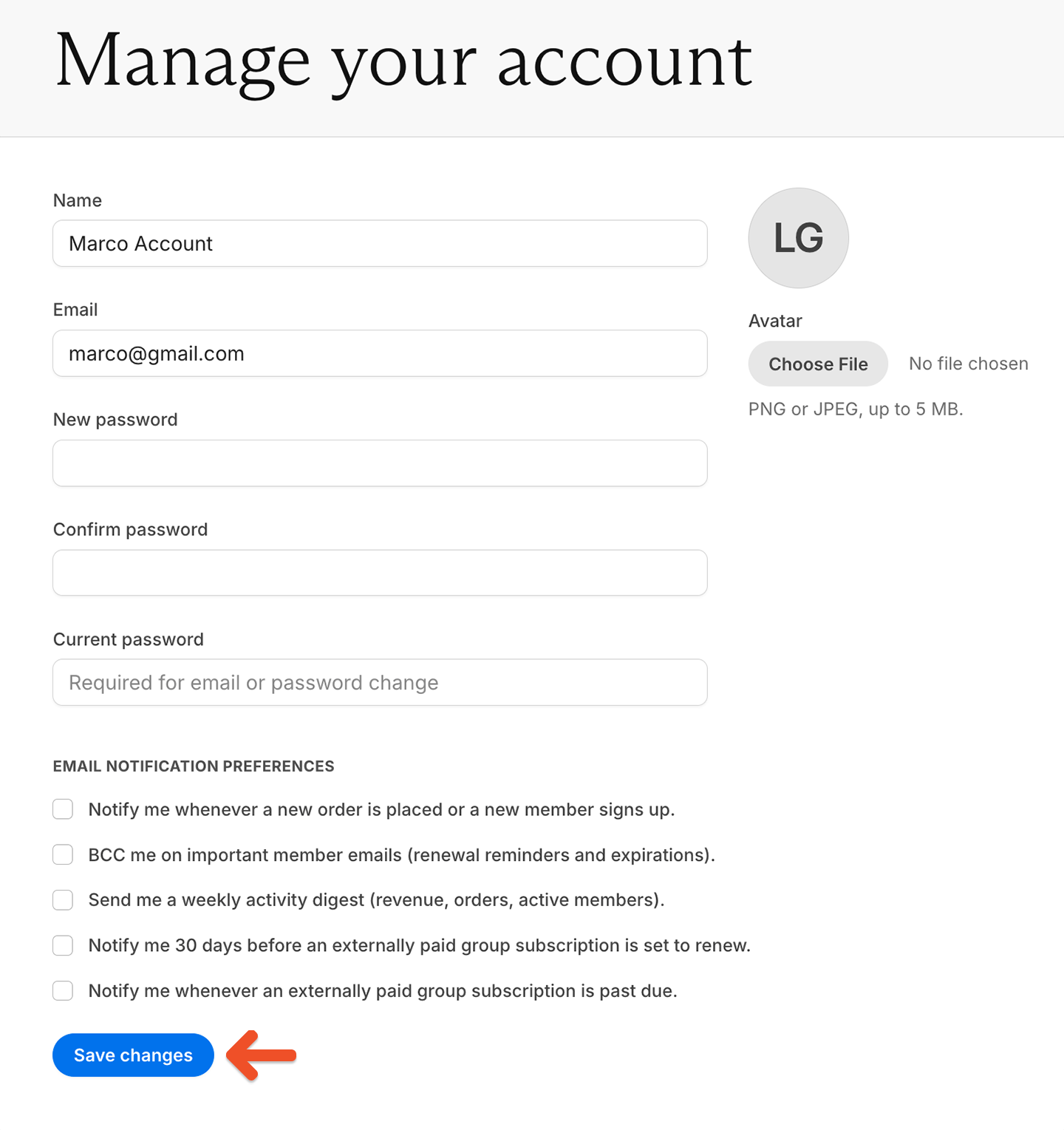
Go to the **Settings** tab to update your personal information. After making your changes, click **Save changes**.
 ## Add an avatar to your admin account
Adding an avatar helps personalize your admin account.
Go to the **Settings** tab.
Click **Choose file**, then select a PNG or JPEG image up to 5 MB. Memberful automatically crops the image to a circle.
## Add an avatar to your admin account
Adding an avatar helps personalize your admin account.
Go to the **Settings** tab.
Click **Choose file**, then select a PNG or JPEG image up to 5 MB. Memberful automatically crops the image to a circle.
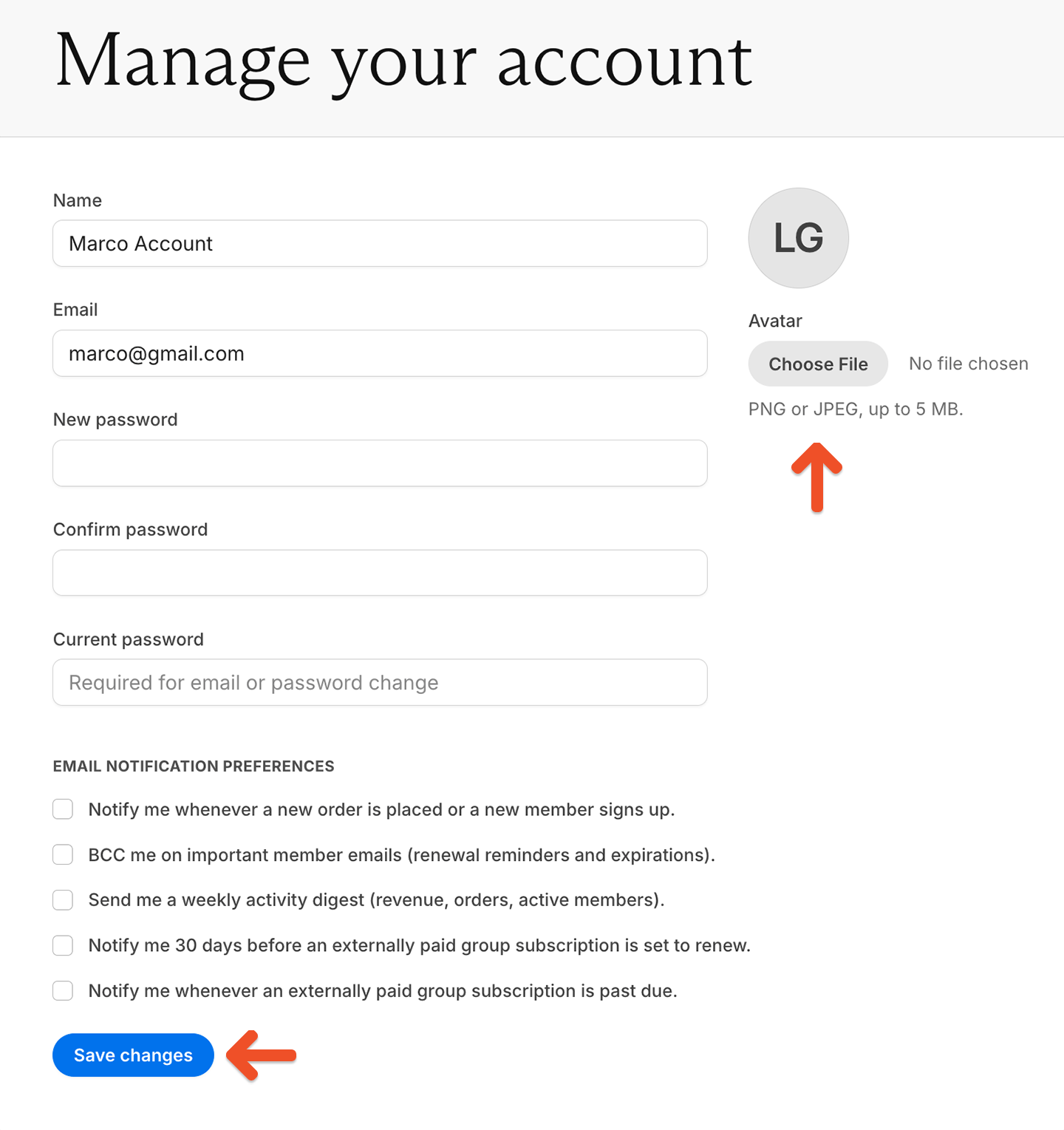 Click **Save changes**.
If you don't upload a profile picture, your avatar displays your initials instead.
Click **Save changes**.
If you don't upload a profile picture, your avatar displays your initials instead.